Back to Wallpapers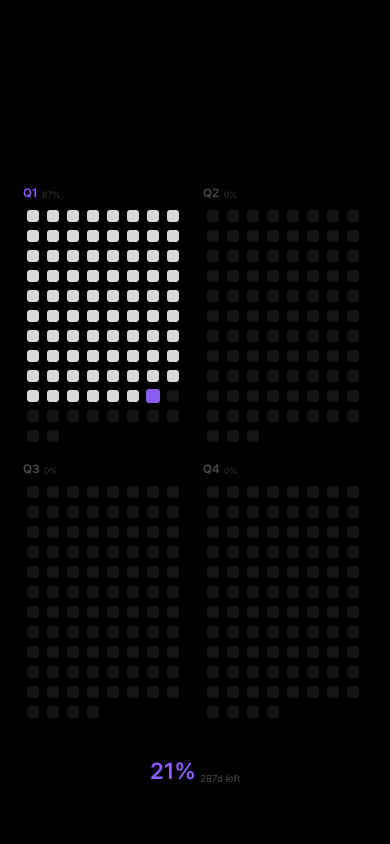
Preview updates as you change settings
Year Quarters
Break the year into quarters
Settings
No widgets — content starts below clock
Installation
2
Create Automation
Open Shortcuts app → Go to Automation tab → New Automation → Time of Day → 6:00 AM → Repeat "Daily" → Select "Run Immediately" → "Create New Shortcut"
3
Create Shortcut
ADD THESE ACTIONS:
3.1
"Get Contents of URL" → paste the following URL there:
/api/quarters?width=1179&height=2556&widgets=0&accent=8b5cf6&bg=000000&fg=ffffff&align=center
3.2
"Set Wallpaper Photo" → choose "Lock Screen"
Important: In "Set Wallpaper Photo", tap the arrow → to show options → disable both "Crop to Subject" and "Show Preview"
This prevents iOS from cropping and asking for confirmation each time